Prekindle’s server-side Events API tracking offers a more secure, accurate, and consistent way to track conversions than traditional client-side pixel tracking.
To connect TikTok tracking, you’ll need to provide your Pixel ID and Access Token. To find these, follow the instructions below.
Find Your Pixel ID
- Navigate to TikTok Events Manager.
- Click Data sources in the left-side navigation.
- Select the data source you’d like to connect.
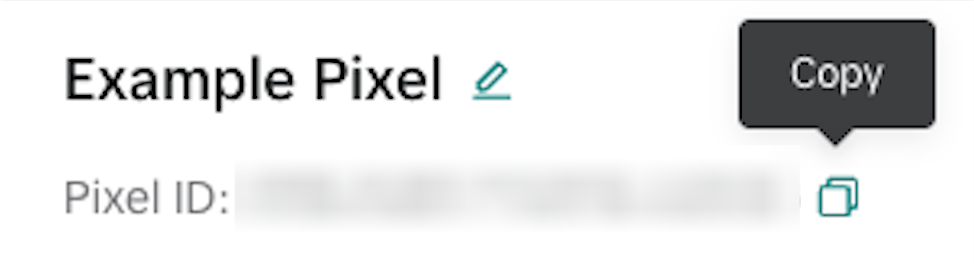
- Copy the Pixel ID.
Generate Your Access Token
- Select the Settings tab.
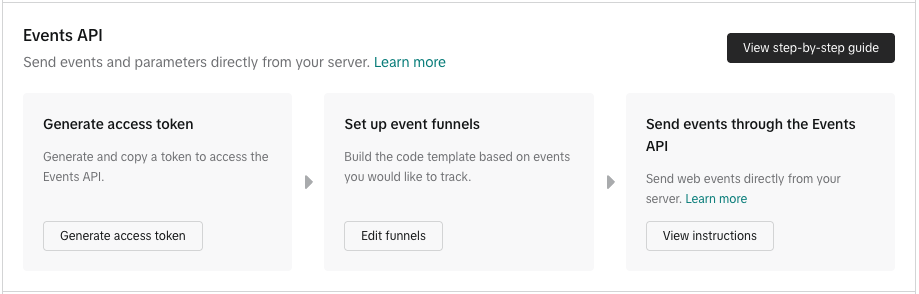
- Scroll down to the Events API section and click Generate access token.
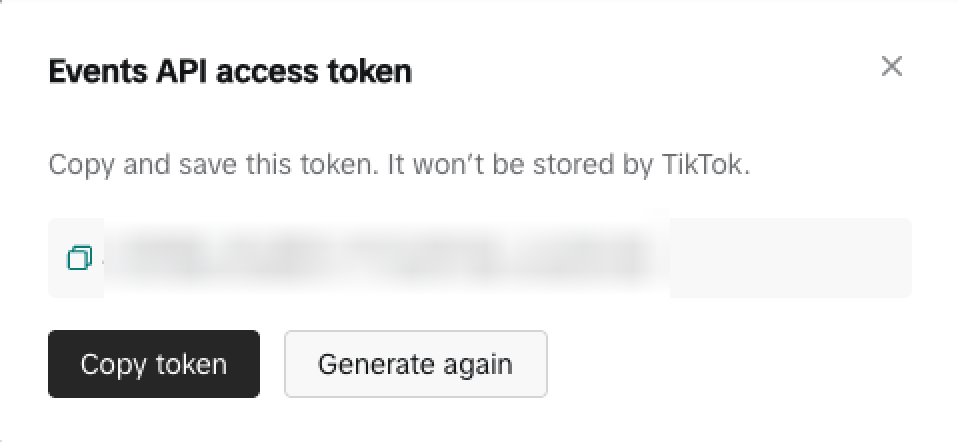
- Click Copy token.
Send Your Information to Prekindle
Send your Pixel ID and Access Token to our Client Success team at clients@prekindle.com, and we’ll complete the TikTok Events API connection for your Prekindle account.
Was this article helpful?
That’s Great!
Thank you for your feedback
Sorry! We couldn't be helpful
Thank you for your feedback
Feedback sent
We appreciate your effort and will try to fix the article