Prekindle’s server-side Google Analytics integration allows conversion data to be sent directly to Google Analytics using the Measurement Protocol.
To connect Google Analytics tracking, you’ll need to provide your Measurement ID and API Secret. To find these, follow the instructions below.
Find Your Measurement ID
- Select Admin in the bottom-left corner of your Google Analytics dashboard.
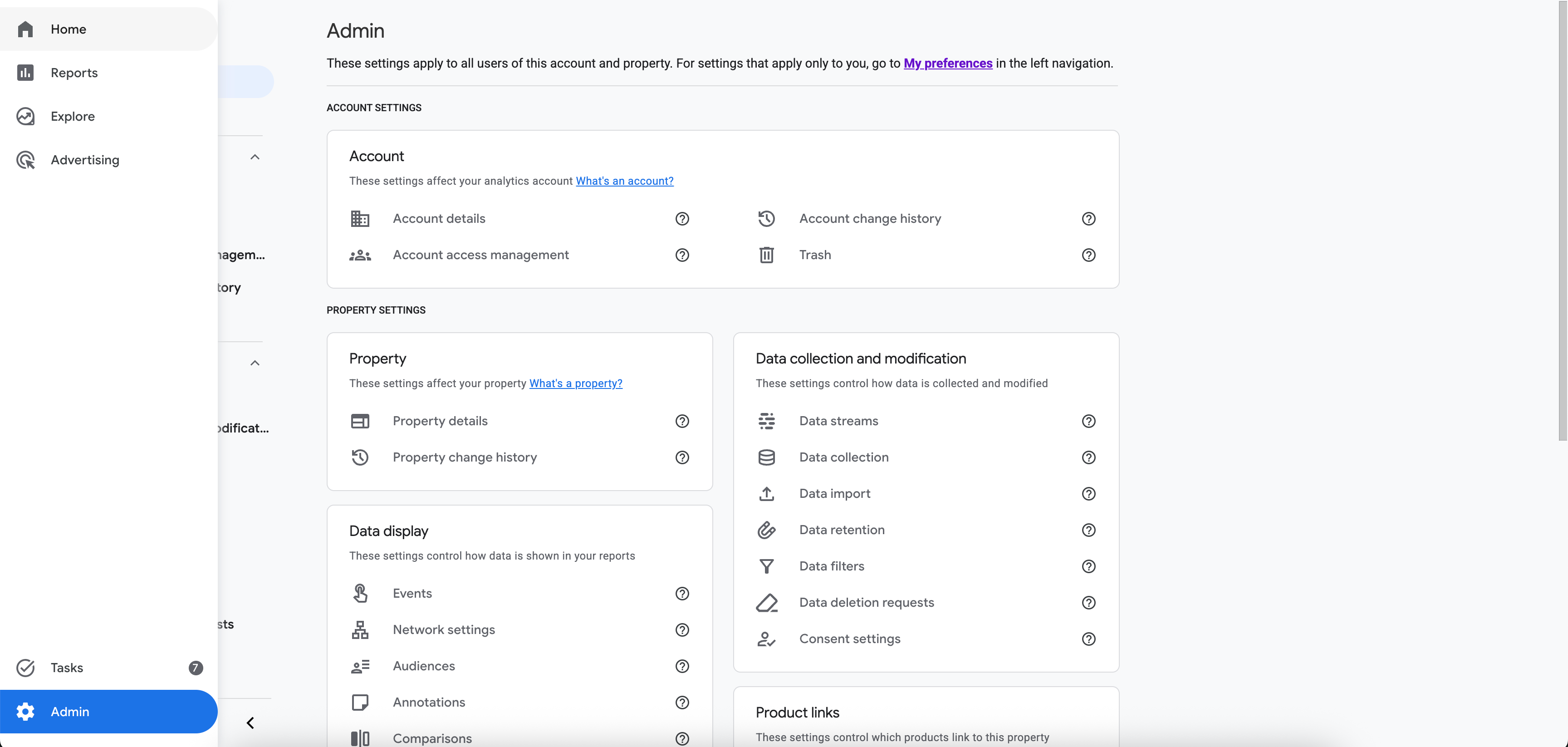
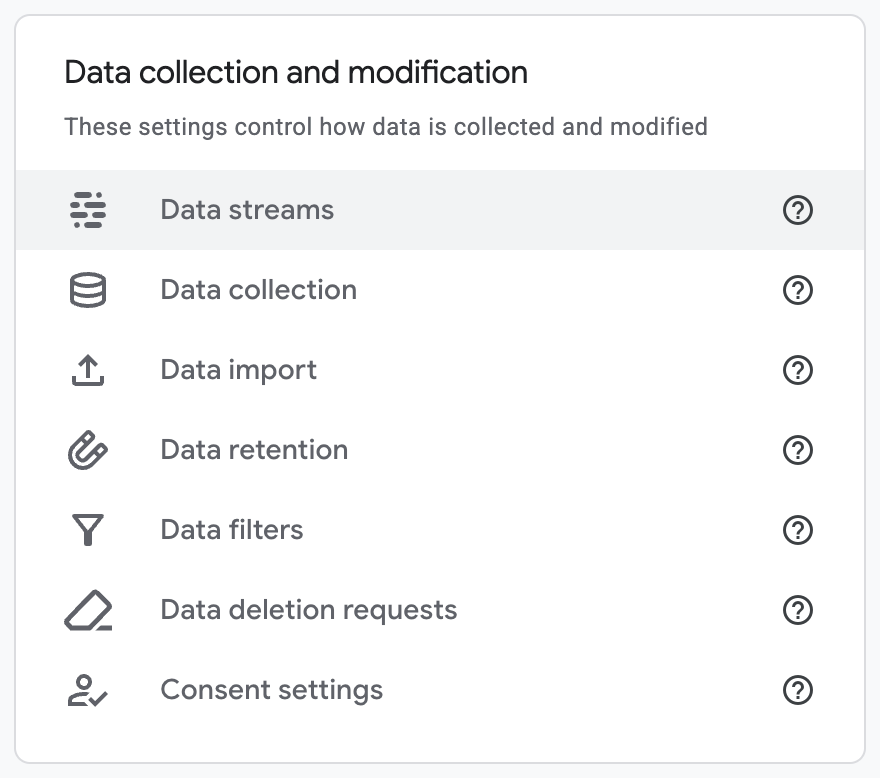
- Select Data streams under the Data collection and modification section.
- Select the data stream you’d like to connect.
- Copy the Measurement ID listed under Stream details.
- Open Measurement Protocol API secrets

- Copy the existing Secret value, or create a new API secret if needed.
- Send your Measurement ID and API Secret value to our Client Success team at clients@prekindle.com, and we’ll complete the Google Analytics connection for your Prekindle account.
Was this article helpful?
That’s Great!
Thank you for your feedback
Sorry! We couldn't be helpful
Thank you for your feedback
Feedback sent
We appreciate your effort and will try to fix the article